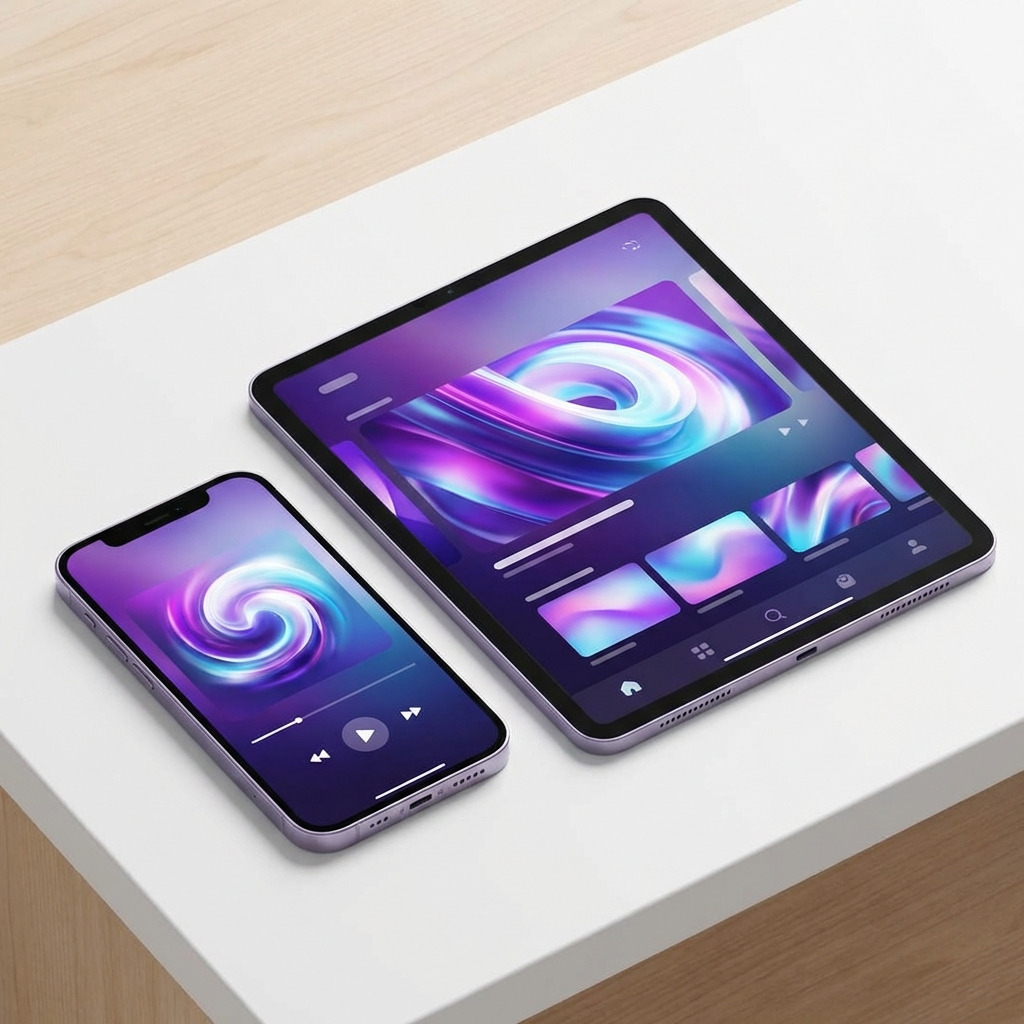
Turn your iPhone or iPad into a portable TV. While Apple’s ecosystem is known for being closed compared to Android (see our Android TV Apps Guide for the difference), streaming live TV on iOS is easier than you think—if you use the right apps.
In this comprehensive 2026 guide, we’ll cut through the noise of broken App Store apps and show you exactly what works, how to set it up, and how to troubleshoot common issues.
The “iOS Challenge”
Unlike Firesticks or Android TV boxes, you can’t easily “sideload” apps onto an iPhone without jailbreaking (which we don’t recommend and isn’t necessary). This means we rely entirely on apps available in the official Apple App Store. Fortunately, a few powerful options have survived and thrived.
Try IPTVUSANow Risk-Free for 24 Hours
Experience premium IPTV with 10,000+ channels, 4K quality, and zero buffering. No credit card required. Cancel anytime.
Start Free TrialTop IPTV Players for iPhone & iPad (2026)
We’ve tested dozens of players so you don’t have to. Here are the clear winners.
1. IPTV Smarters Player Lite (The Gold Standard)
If you’ve used IPTV before, you know Smarters. The iOS “Lite” version is incredibly robust despite the name. It supports the “Xtream Codes” login method, which is much faster to type on a phone than long M3U playlist URLs.
- Best For: Everyone. It’s the most user-friendly.
- Key Features: Live TV/Movies/Series categorization, Multi-screen support, Parental Controls.
- Verdict: ⭐⭐⭐⭐⭐
2. GSE Smart IPTV (The Power User Choice)
GSE is a veteran in the space. It supports complex playlist formats and has better support for subtitles and audio track switching than most competitors. It also features built-in casting.
- Best For: Users who need advanced playback controls or AirPlay support.
- Verdict: ⭐⭐⭐⭐
3. VLC Media Player (The Reliable Backup)
Yes, the famous VLC plays IPTV too. It doesn’t have a pretty “grid” guide like Smarters, but it plays everything. If a channel buffers on other apps, try it in VLC using the “Network Stream” option.
- Verdict: ⭐⭐⭐ (Great for playback, poor for browsing).
Step-by-Step Setup: IPTV Smarters Player Lite
This method works for both iPhone and iPad and takes less than 2 minutes.
Step 1: Install the App
Go to the App Store and search for “IPTV Smarters Player Lite”. Download the app (look for the purple logo).
Step 2: Login Method
Open the app. You will see detailed terms of use—accept them. Select “Login with Xtream Codes API”. This is crucial. Do not choose “Load Your Playlist or File/URL” unless you only have an M3U link.
Step 3: Enter Your Credentials
You need the details from your IPTVUSANow welcome email. Enter them exactly:
- Any Name:
IPTVUSANow(or whatever you like) - Username: (Your case-sensitive username)
- Password: (Your case-sensitive password)
- URL:
[Your Server URL](Check the Server URL in your welcome email)
Tap Add User.
Step 4: Download Content
Tap your new profile. You’ll see “Downloading Live TV”, “Movies”, and “Series”. Let this finish. Once done, you’re in!
[!TIP] If you have an Apple TV, you can use the same credentials on the tvOS version of Smarters or GSE Smart IPTV.
Never Miss a Game Again
Watch every NFL, NBA, MLB, NHL, and Premier League game live. Plus UFC, boxing, and 50+ sports channels. All included in your subscription.
Explore Sports PackagesTroubleshooting Common iOS Issues
Even with the best apps, things can go wrong. Here are real fixes for common iOS-specific problems.
1. “Invalid Details” or “Authorization Failed”
- Check Case Sensitivity:
User123is different fromuser123. - Check Hidden Spaces: iOS keyboards love to add a space after a period (like in the URL). Make sure there are no spaces in
http://....
2. Channels Buffering?
Mobile devices are prone to WiFi fluctuations as you move around.
- Test Your Speed: You need at least 20Mbps for basic HD, 50Mbps for 4K.
- The “User Agent” Trick: If channels refuse to load, go to Smarters Settings > General > User Agent and type
VLC. This often bypasses ISP blocking. - Need more help? Read our guide on Fixing IPTV Buffering.
3. Audio But No Video?
This is usually a “codec” issue.
- In Smarters: Go to Settings > Player Settings > Change from “Native” to “Hardware Decoder” (or Software).
- In GSE: Switch between “HW1” and “HW2” decoder modes in the top corner.
A Note on Usage: EPG and Data
Mobile IPTV uses data—a lot of it. Streaming HD sports can consume 3GB+ per hour. We strongly recommend using Wi-Fi where possible. Also, tapping “Install EPG” in the main menu ensures you have a working TV guide, which often doesn’t load automatically on the iOS version to save bandwidth.
Conclusion
You don’t need an Android device to enjoy premium TV. With an iPhone and IPTV Smarters Lite, you carry a movie theater and sports stadium in your pocket.
Already set up on your phone but need your TV sorted? Check out our Firestick Installation Guide.
Need Help? We're Here 24/7
Our expert support team is available around the clock via WhatsApp, email, or live chat. Get instant help with setup, troubleshooting, or any questions.
Get Support NowContinue Reading

Best IPTV Apps 2026: Top 7 Players for Android TV & Smart TV
Compare the best IPTV apps in 2026 for Android TV and Smart TVs. Expert reviews, features, pros/cons. Find your perfect IPTV player today.
IPTVUSANow Team
Top IPTV for Firestick as Recommended on Reddit (2026)
Explore top IPTV for Firestick recommended on Reddit 2026. Unlock the best streaming experience—find out which services users trust most now.
IPTVUSANow Team

How to Watch the FIFA World Cup 2026 Live on IPTV: A Complete Guide
Don't miss a single goal of the FIFA World Cup 2026! Our complete guide shows you how to watch every match live on IPTV. Find the best services, get a step-by-step setup guide, and enjoy buffer-free streaming.
IPTVUSANow Team
Try IPTVUSANow Risk-Free for 24 Hours
Experience premium IPTV with 10,000+ channels, 4K quality, and zero buffering. No credit card required. Cancel anytime.
Start Free Trial